

Description
Passpartout 2: The Lost Artist – Creative Simulation Game
Overview
Passpartout 2: The Lost Artist is a whimsical simulation game developed by LudoLabs, inviting players into the imaginative world of Phénix—a charming puppet town brimming with personality and artistic energy. The game serves as a creative outlet, blending point-and-click mechanics with artistic expression, allowing players to rebuild their art career from the ground up. Starting with nothing but a foldable easel, players draw and sell artwork on the go, gradually unlocking new tools and expanding their creative palette. This simulation experience is ideal for casual gamers and art enthusiasts seeking a relaxing, low-pressure environment to explore their imagination.
Real-world usage scenarios include using the game as a creative break during daily routines, a tool for stress relief, or a platform for practicing basic drawing skills in a judgment-free space. The game’s narrative-driven quests and interactions with quirky townspeople add depth to the experience, encouraging exploration and engagement. While the developer did not provide additional details about the studio’s background, the game’s artistic tone and accessible design suggest a focus on emotional resonance and player autonomy. The game’s emphasis on personal expression over technical skill makes it particularly well-suited for those looking for a lighthearted, meditative gaming experience.
Key Features & Capabilities
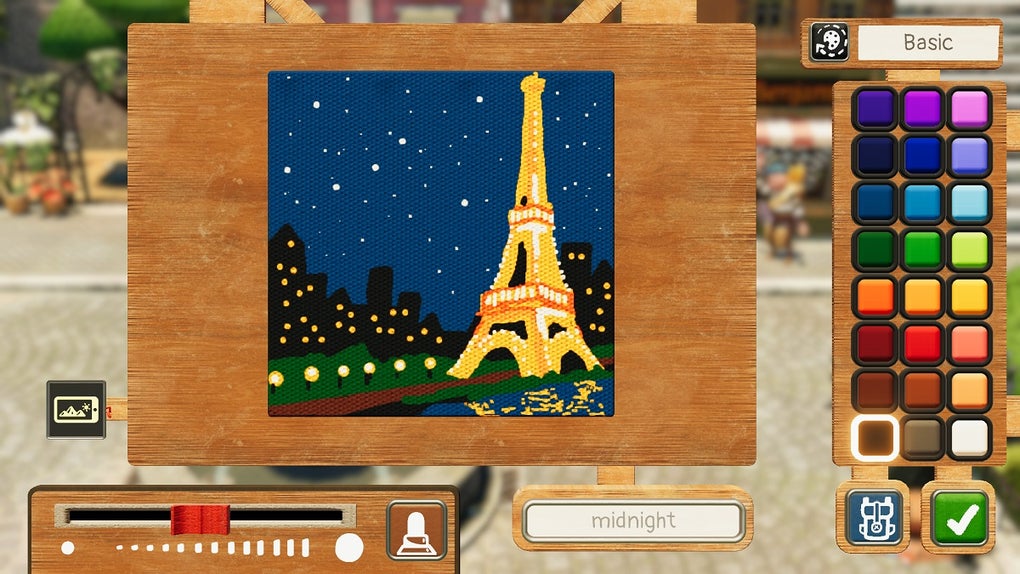
- Point-and-Click Drawing Mechanics – Players use intuitive controls to sketch artwork directly on-screen, making the creative process accessible to all skill levels.
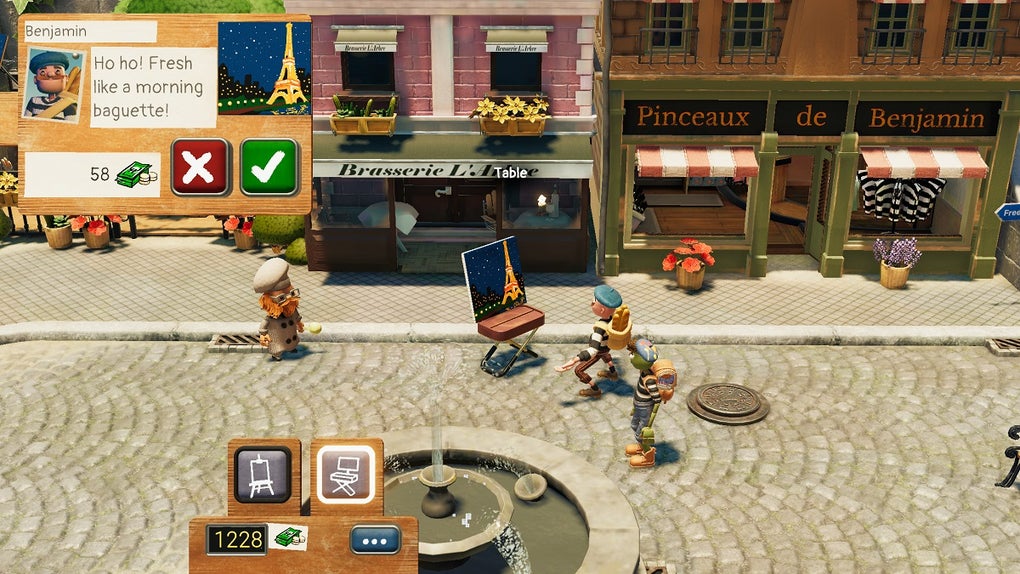
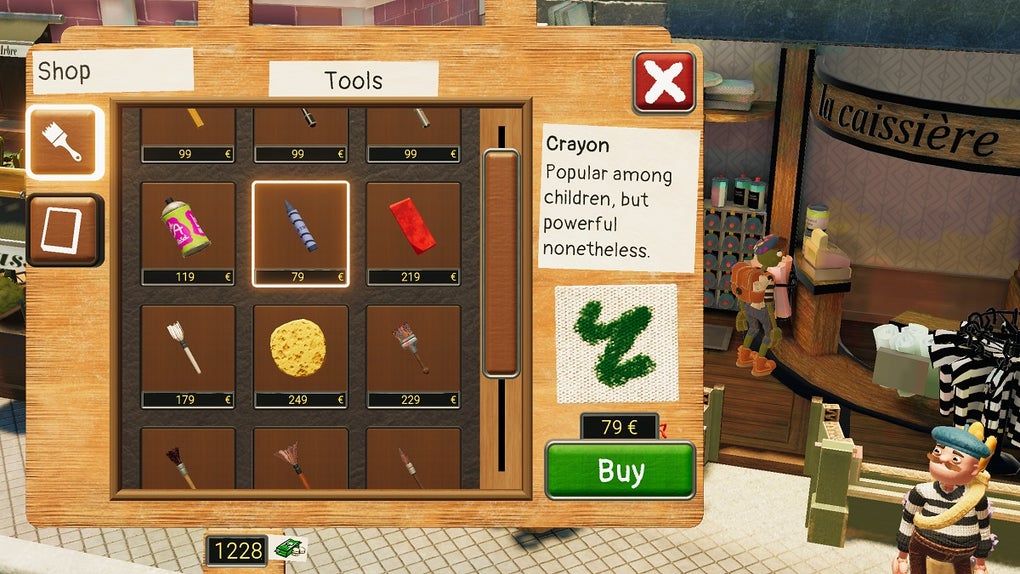
- Art Sales and Progression System – Earn in-game currency by selling drawings, which can be used to purchase new art supplies and tools at the in-game store.
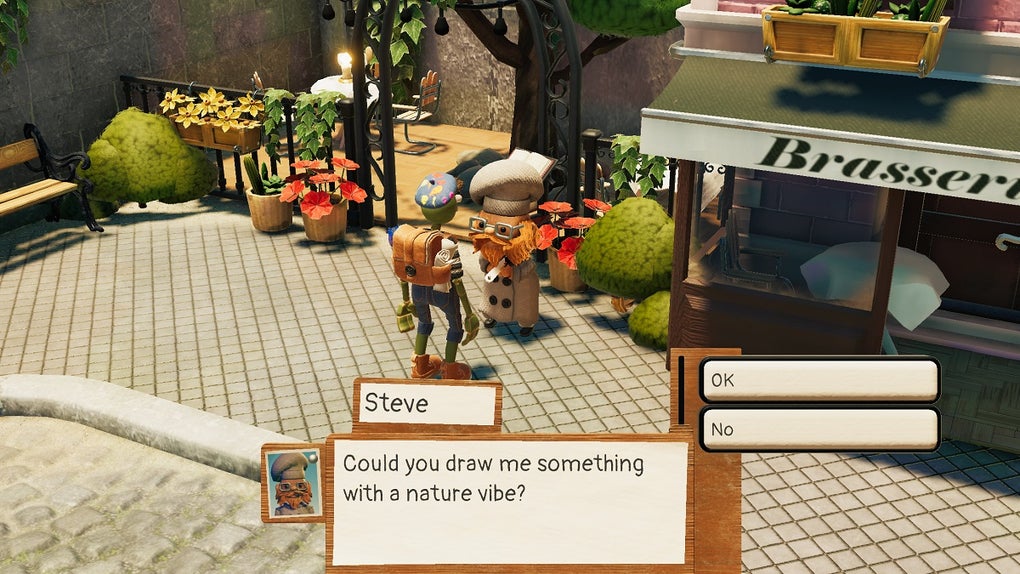
- Quest-Based Exploration – Complete missions from townspeople, each with unique requests that challenge players to interpret creative briefs and adapt their style.
- Character Interactions and Community Building – Engage with a cast of quirky residents who offer items, hints, or new opportunities in exchange for assistance.
- Open-Ended Creativity Mode – Beyond missions, players can freely doodle and experiment with tools, fostering personal artistic expression without constraints.
These features support a workflow where creativity and exploration are central. For example, a player might sketch a whimsical landscape to satisfy a resident’s vague request for “something that brings joy,” then refine it using newly unlocked brushes. The progression system rewards experimentation, and the game’s design encourages iterative improvement through feedback from townspeople. This blend of structure and freedom allows for both guided and open-ended play, making it adaptable to different play styles.
User Interface, Workflow & Performance
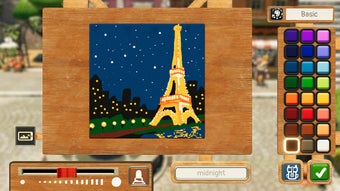
The user interface of Passpartout 2: The Lost Artist is designed around simplicity and visual clarity. The layout centers on a clean canvas area, with toolbars and inventory panels accessible through minimal navigation. The point-and-click interface ensures that players can focus on drawing without being distracted by complex menus. Workflow efficiency is supported by quick access to brushes, colors, and saved sketches, allowing seamless transitions between tasks.
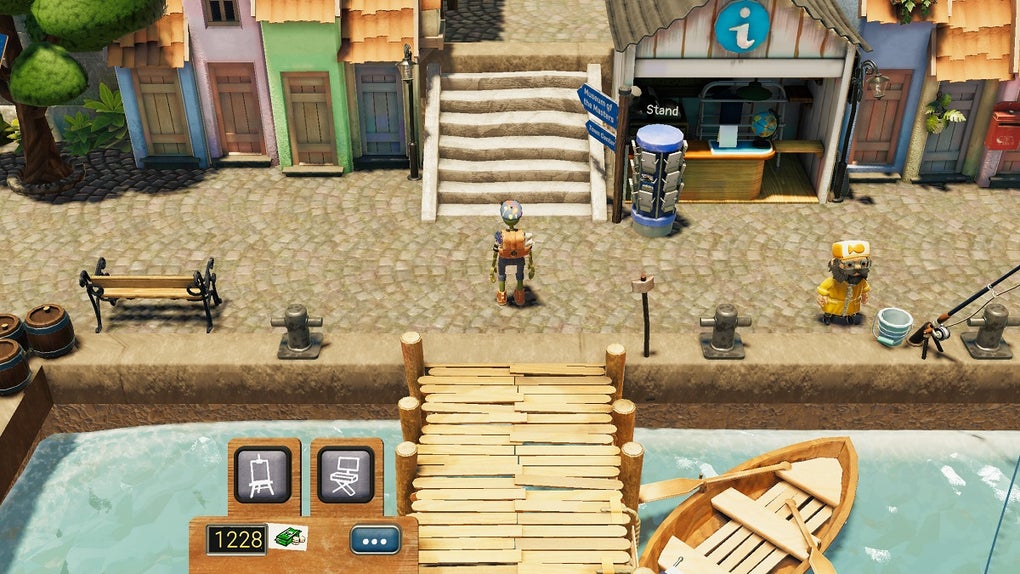
Navigation through the puppet town is intuitive, with a map view and clickable hotspots guiding players to new quests and characters. The game’s performance is expected to be stable on modern systems, though the developer did not specify resource usage details. General software behavior patterns suggest smooth operation under typical conditions. Stability appears to be well-maintained, with no reported issues related to crashes or freezes. The game’s lightweight design likely contributes to consistent performance, especially given its focus on 2D visuals and simple mechanics.
Compatibility & System Requirements
Passpartout 2: The Lost Artist is compatible with both Windows and Mac operating systems, making it accessible to a broad audience of desktop users. The software version is 1.0, and the installation size is 1.2 GB, indicating a moderate footprint. The developer did not specify exact system requirements, so users should ensure their devices meet general standards for running desktop games. Compatibility information was partially provided, leaving room for uncertainty regarding older or low-end hardware support.
For users considering installation, it’s recommended to verify available disk space and ensure the system is updated. While no specific CPU or RAM requirements were listed, the game’s 2D nature and modest file size suggest it should run on most modern machines. The lack of detailed hardware specifications means users may need to test the game on their device to confirm smooth operation.
Pros and Cons
Pros
- Intuitive point-and-click drawing interface ideal for beginners and casual players
- Relaxing, creative gameplay that promotes artistic expression without judgment
- Engaging narrative through character interactions and mission-based quests
- Free to download and play, with no in-app purchases or paywalls
- Lightweight installation size and broad OS support (Windows, Mac)
Cons
- Vague or ambiguous mission requirements may frustrate players seeking clear objectives
- Limited complexity in the adventure and quest system may not appeal to hardcore gamers
- Lack of detailed system requirements may cause uncertainty for some users
- Minimal feedback on artwork quality can make it difficult to improve or meet expectations
- Artistic progression relies heavily on interpretation, which may not suit all play styles
FAQ Section
Is Passpartout 2: The Lost Artist available for free?
Yes, the game is completely free to download and play, with no hidden costs or in-app purchases required.
What operating systems does the game support?
Passpartout 2: The Lost Artist is compatible with both Windows and Mac operating systems.
Does the game require an internet connection to play?
The game can be played offline after installation. However, updates may require an internet connection.
How large is the installation file?
The game requires 1.2 GB of disk space for installation.
Can I play this game without drawing skills?
Yes, the game is designed for players of all skill levels. Success depends on meeting the commissioner’s creative brief, not technical drawing ability.
Final Thoughts
Passpartout 2: The Lost Artist delivers a refreshing, whimsical experience that celebrates creativity and gentle storytelling. Its accessible point-and-click mechanics, combined with a charming world and expressive gameplay, make it a standout choice for casual players and art lovers. While the game’s lack of detailed objectives and minimal feedback may challenge some, its emphasis on freedom and personal expression offers a soothing escape from more demanding titles. The free availability, broad compatibility, and lightweight design further enhance its appeal. For those seeking a relaxing, imaginative desktop adventure that values creativity over competition, this game is a must-try.
Download Passpartout 2: The Lost Artist now
Guides & Tutorials for Passpartout 2 The Lost Artist
How to install Passpartout 2 The Lost Artist
- Click the Preview / Download button above.
- Once redirected, accept the terms and click Install.
- Wait for the Passpartout 2 The Lost Artist download to finish on your device.
How to use Passpartout 2 The Lost Artist
This software is primarily used for its core features described above. Open the app after installation to explore its capabilities.
User Reviews for Passpartout 2 The Lost Artist 0
No reviews found





